What you'll find in the Journal
The Journal lists all bookings recorded in PINIT. VAT and tax entries are shown depending on how your tenant is configured.
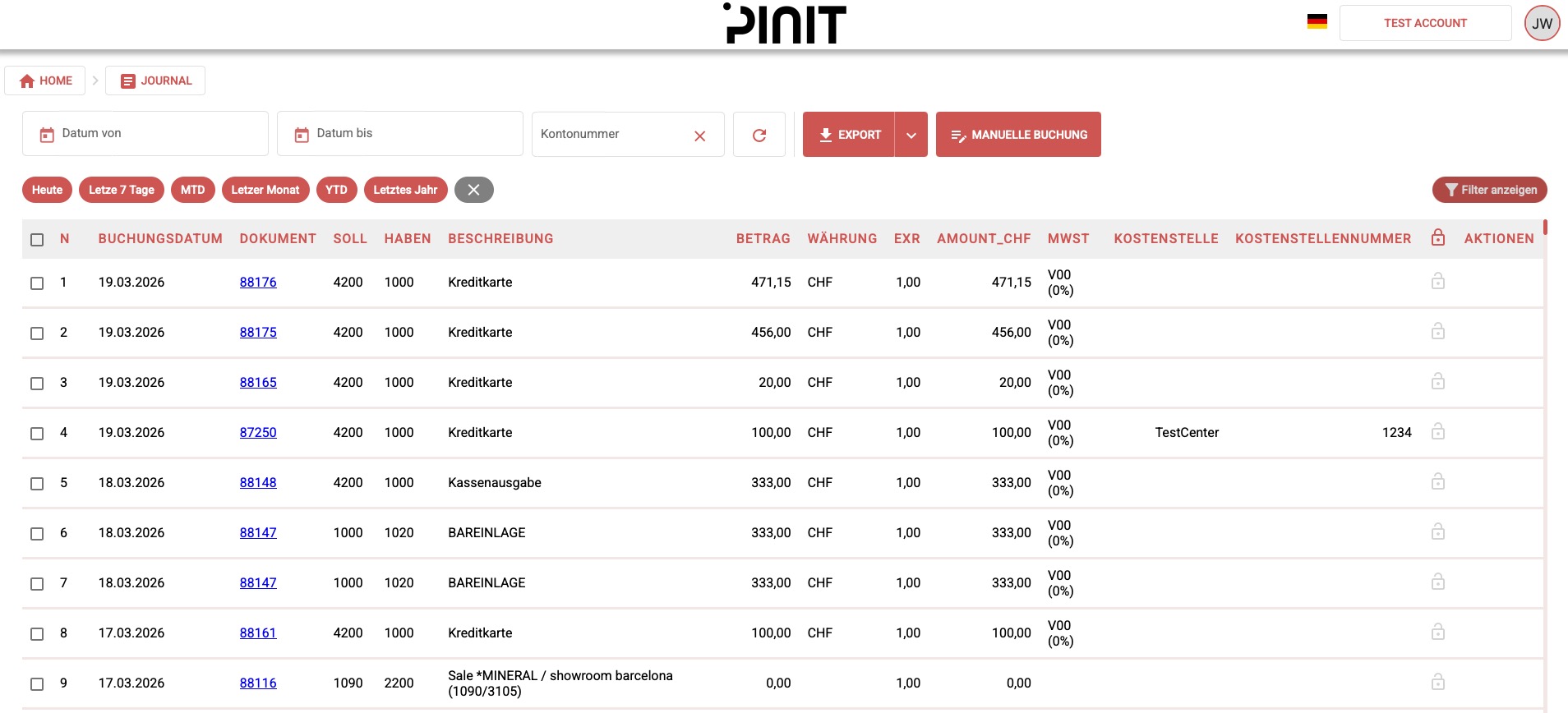
Filtering
You can narrow down the Journal view using these filters:
- Date range — show only bookings within a specific period.
- Columns — select which columns to display in the table.
- Account (Kontenblatt) — pick a single account from the chart of accounts to see every booking that touches it, on either the debit or credit side. While this filter is active, the total row shows a running balance for that account instead of a plain sum (debit adds, credit subtracts).
Exporting
To export the Journal, click Export as CSV. The export reflects the current filter selection.
Frequently Asked Questions
What is the Journal in PINIT? The Journal is a complete log of all bookings recorded in PINIT, including VAT and tax entries based on your tenant configuration.
Can I filter the Journal by date? Yes. Use the date range filter to show only bookings within a specific period.
Can I see all bookings for a single account (Kontenblatt)? Yes. Use the account filter to pick an account from the chart of accounts. The Journal shows every booking that touches it as debit or credit, and the total row switches to a running balance for that account.
Can I export the Journal? Yes. Click Export as CSV to download the current view. The export includes only the entries matching your active filters.